
There are three ways to edit a product; Quick Edit, Normal Edit, Bulk Edit.
- Quick Edit allow you to edit the short product description, SKU, regular price, sale price and catalog visibility.
- To open the quick edit window of a product, click on the Quick Edit icon (1) on the Product Action area of the product. Make the changes and click on the UPDATE button when done.

- To open the quick edit window of a product, click on the Quick Edit icon (1) on the Product Action area of the product. Make the changes and click on the UPDATE button when done.
- To edit the product using Normal Edit, click on the Product Edit icon (3) . This allow access to edit all aspects of the product.
- To edit products using Bulk Edit, click Here.
Products can also be edited on the Single Product Page by clicking the Quick Edit or the Product Edit icon.
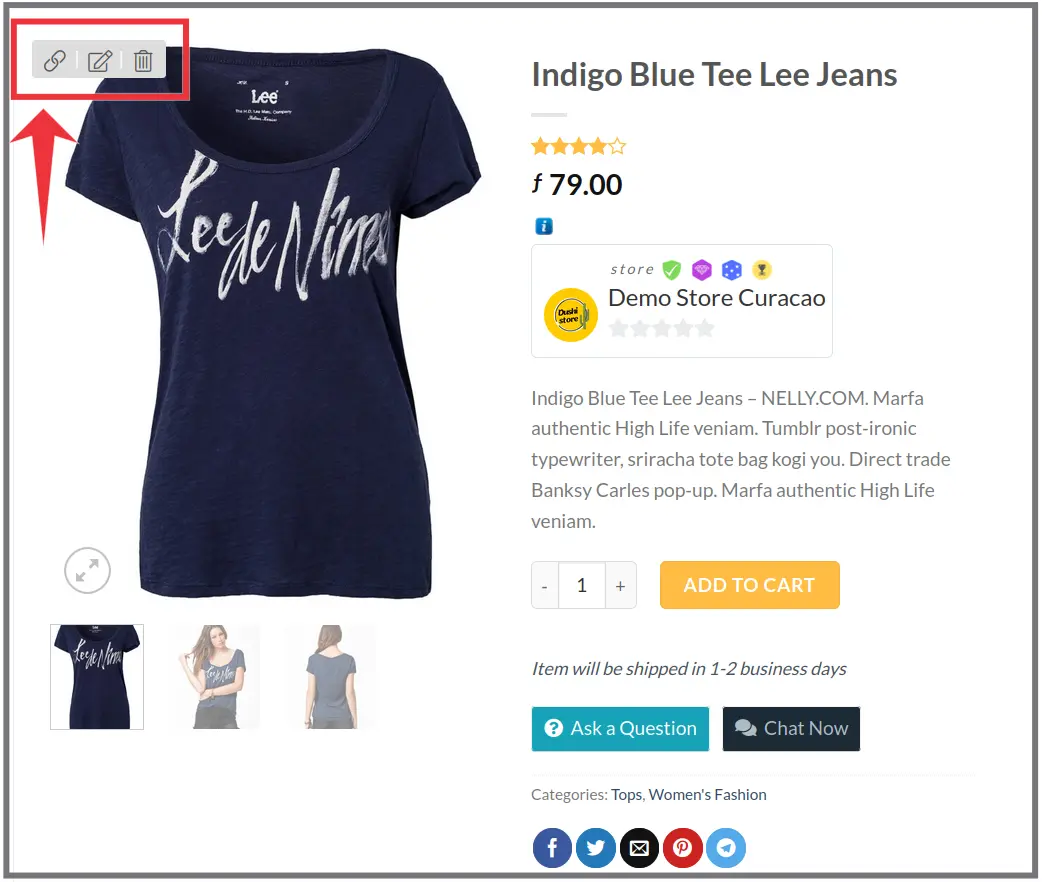 editar producto, product bewerken
 0
0 0
0
