
The process to become a vendor is easy.
The first step is to register on DushiMart.
Click on the Login button on the menu bar.
Dutch Image Spanish Image  This will open up the Login/Register screen. Dutch Image Spanish Image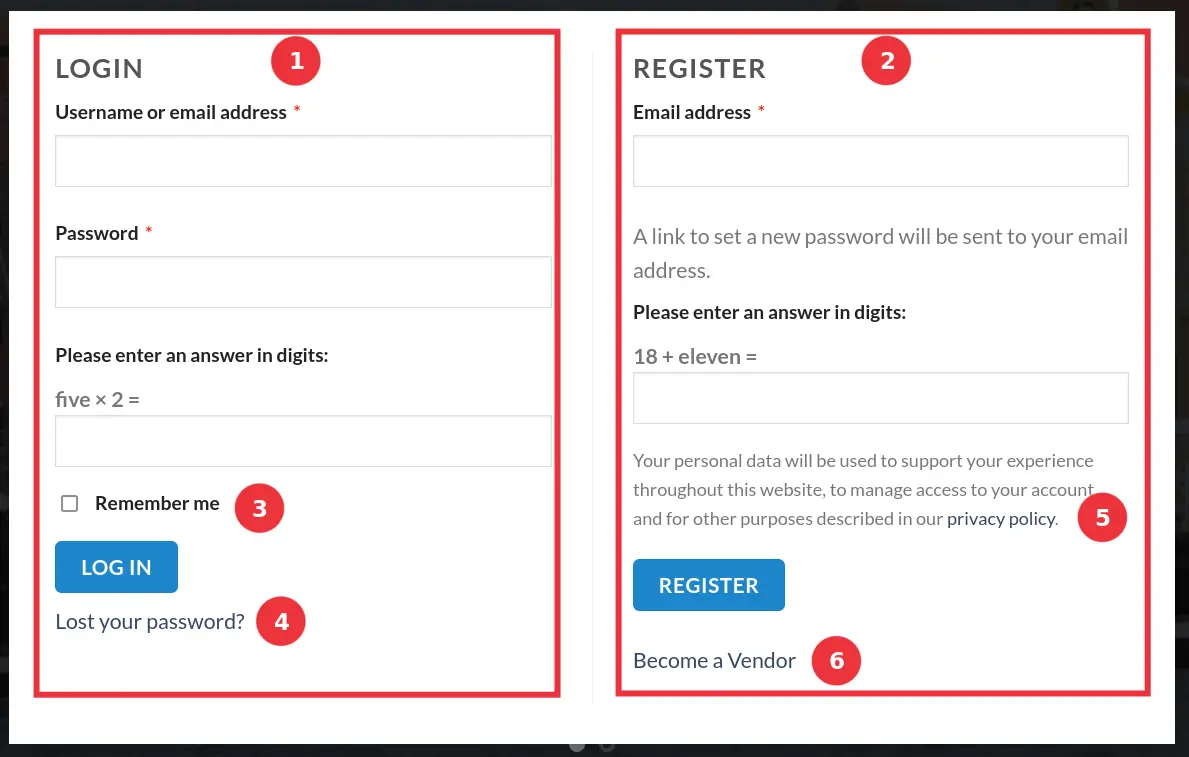
Enter your email (2) and enter the answer to the question. If your haven’t read the Privacy Policy (5) yet, do it now.
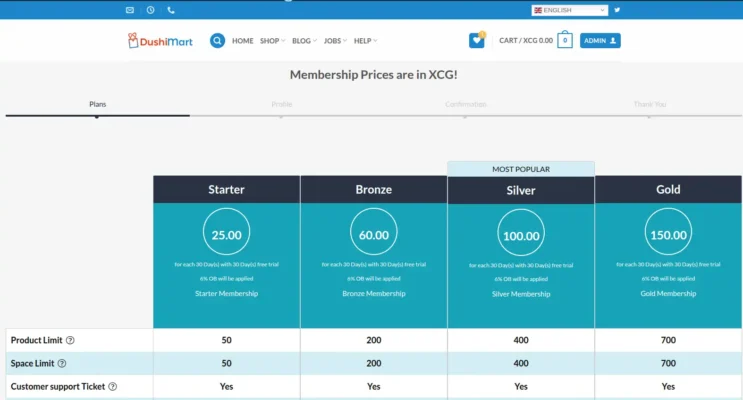
Click on Become a Vendor. (6) The Membership plans will open.
The Registration window will open.
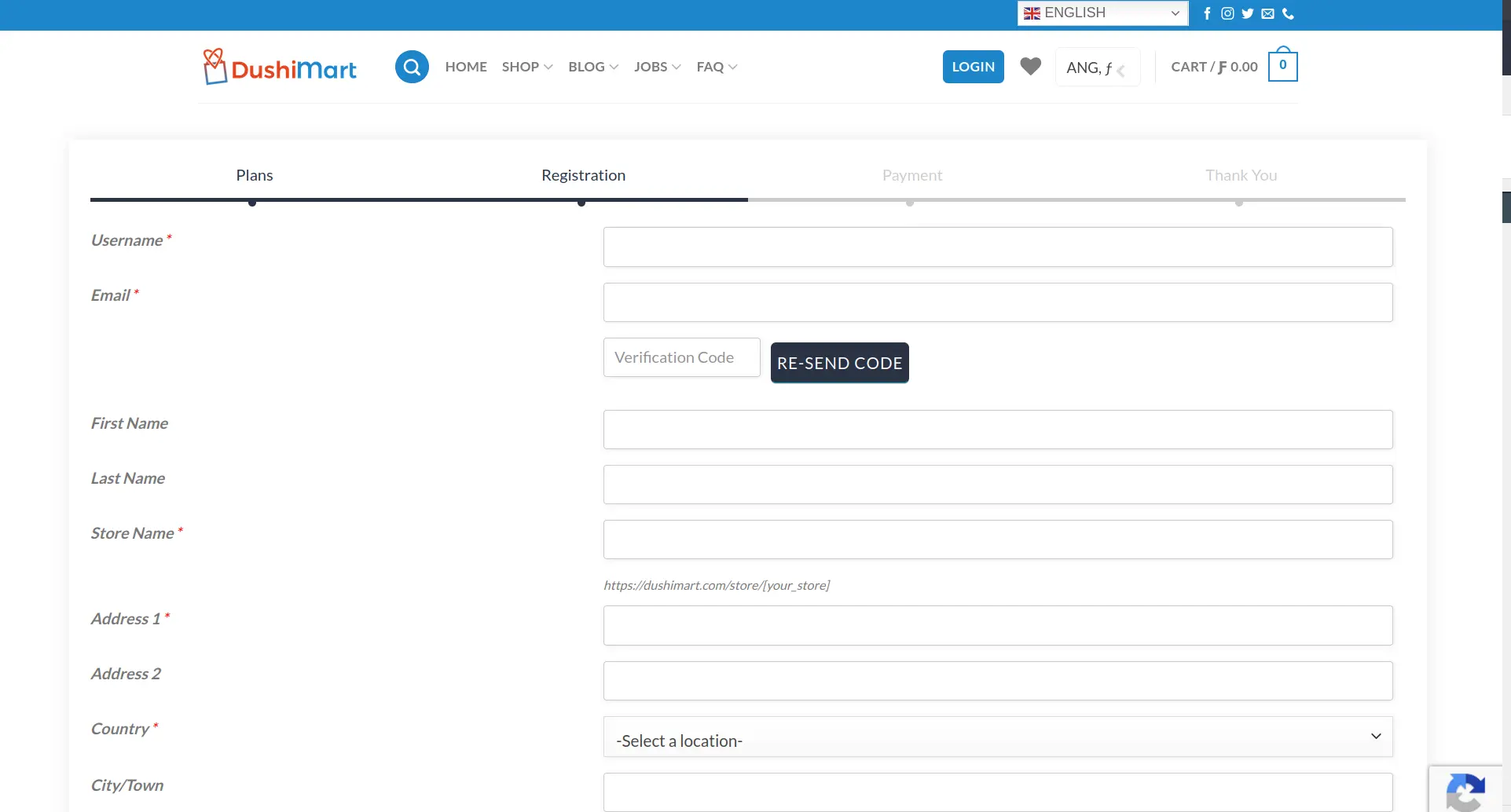
Enter a Username you prefer to use for DushiMart and your email. This will trigger an email that DushiMart will send to you to verify your email. Enter the code in the email you received in the Verification Code box. If you did not receive an email, click on RE-SEND CODE.
Dutch Image Spanish Image 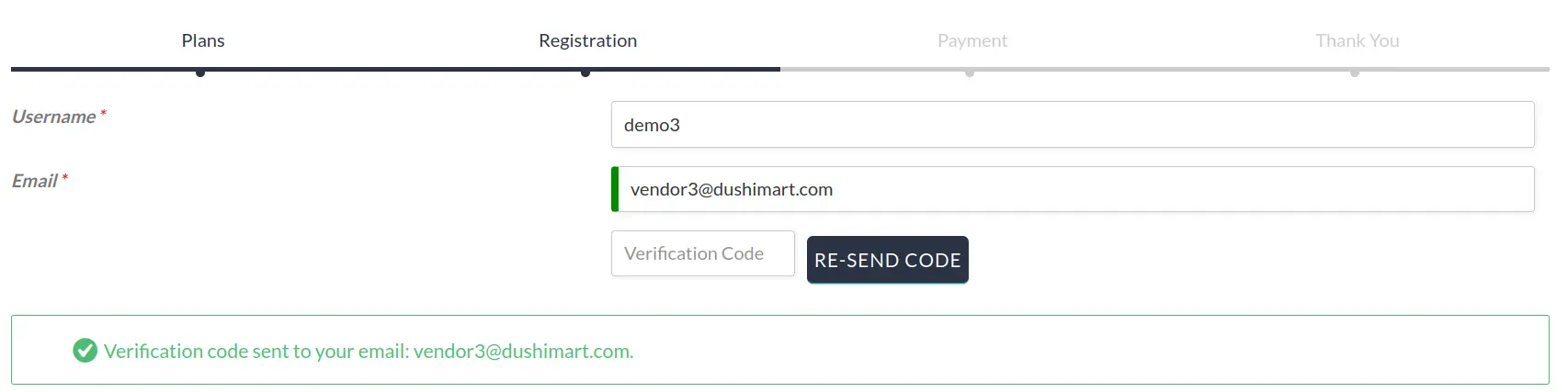 Note: In case you still did not receive the code, look in your junk mail to see if it is there. If not then contact us.
Complete the registration form.
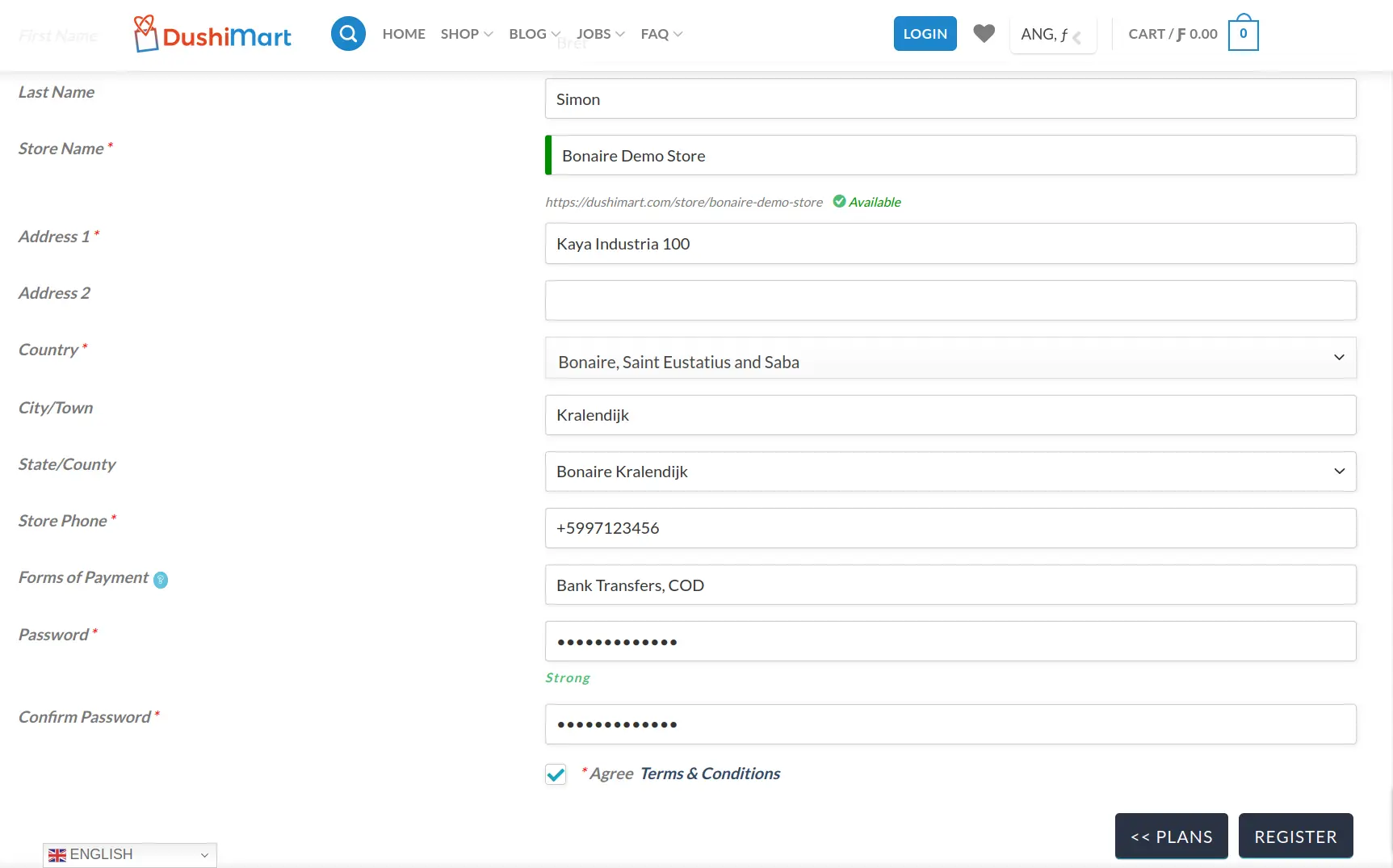
Click on Terms & Conditions and read it.
Next click on Agree Terms & Conditions.
Click on the REGISTER button.
Note: If you would like to review the membership plans before registering, click on the PLANS button.
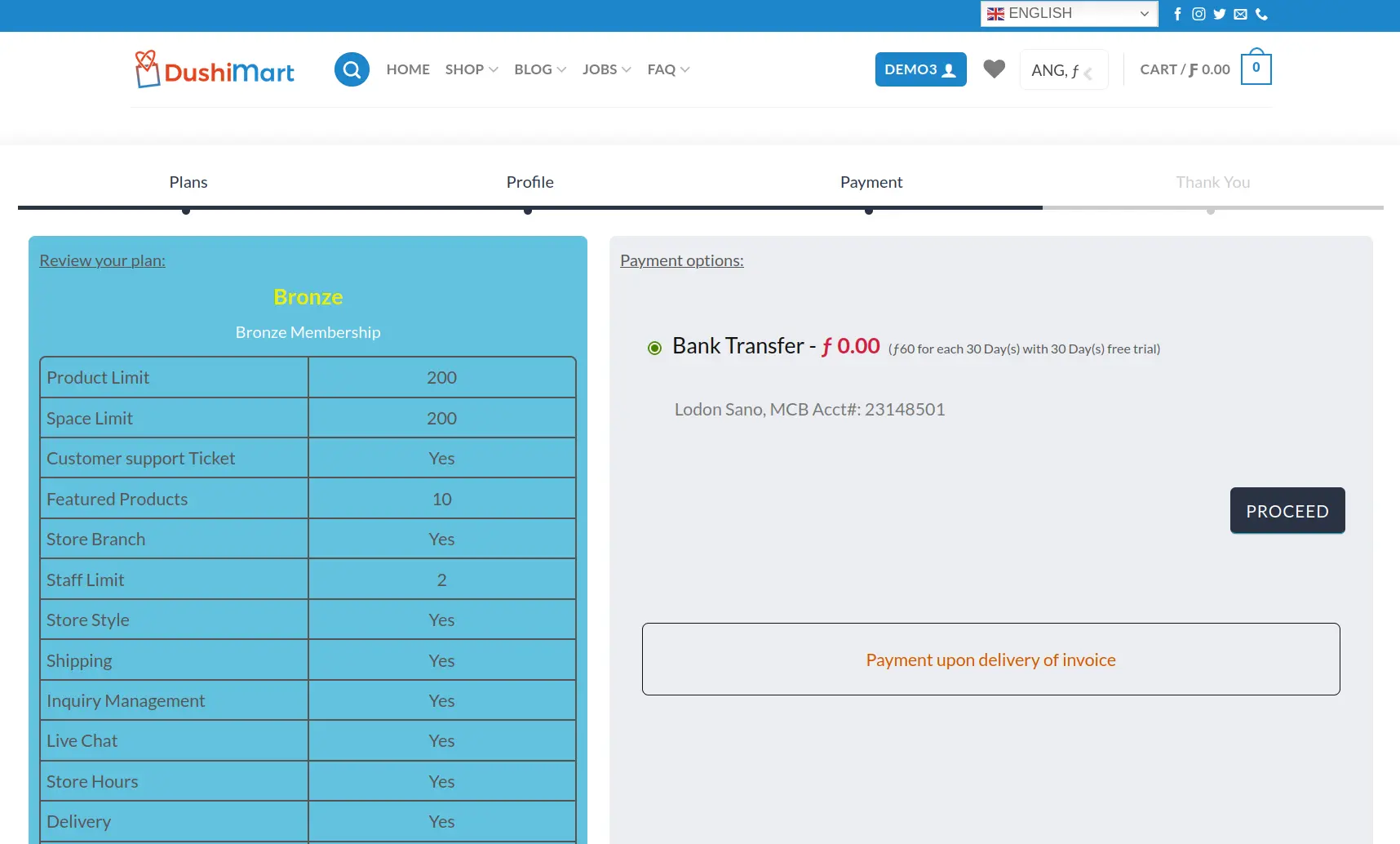
Click on Bank Transfer. Take note of the payment instructions and click on Proceed.
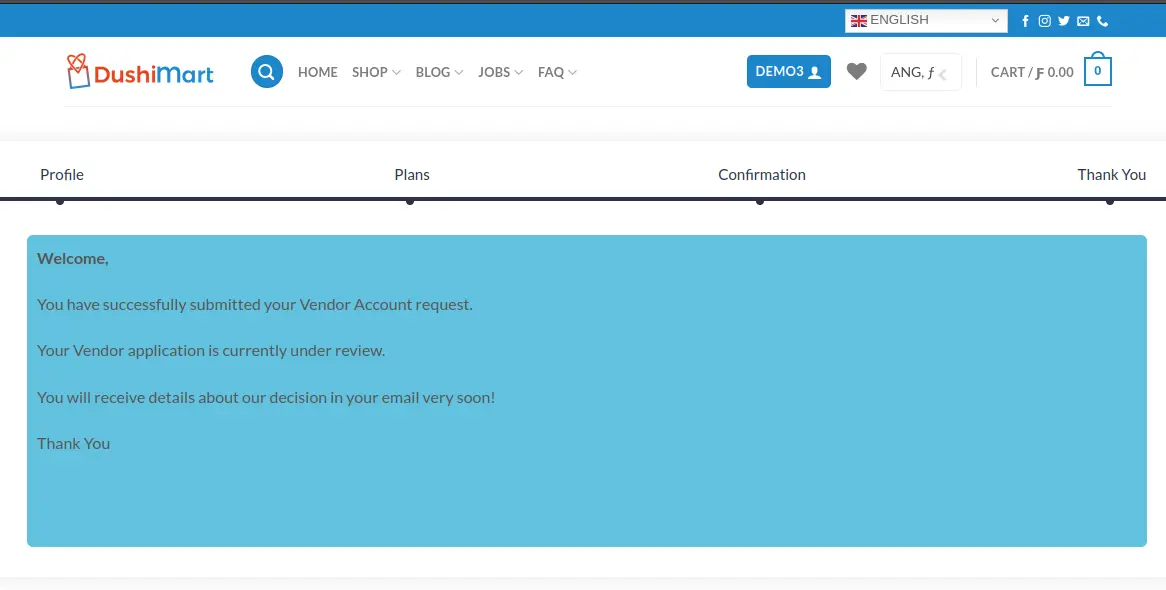
You will receive a message onscreen that your vendor application is under review.
Upon approval of your application which typically takes a day or less, you will receive an email of your approval. Upon approval, please pay the invoice that is emailed to you within two days. beginnend, empezando, lidmaatschap, membresia, registratie, registration
 0
0 0
0
